
How SimplyCVR works

A conversion engine for exterior contractors: personalized physical assets paired with trackable digital journeys.

Visual pipeline

Street view to final conversion creative

Real-world source imagery feeds a 4-step flow from input to personalized assets ready for tracked response.

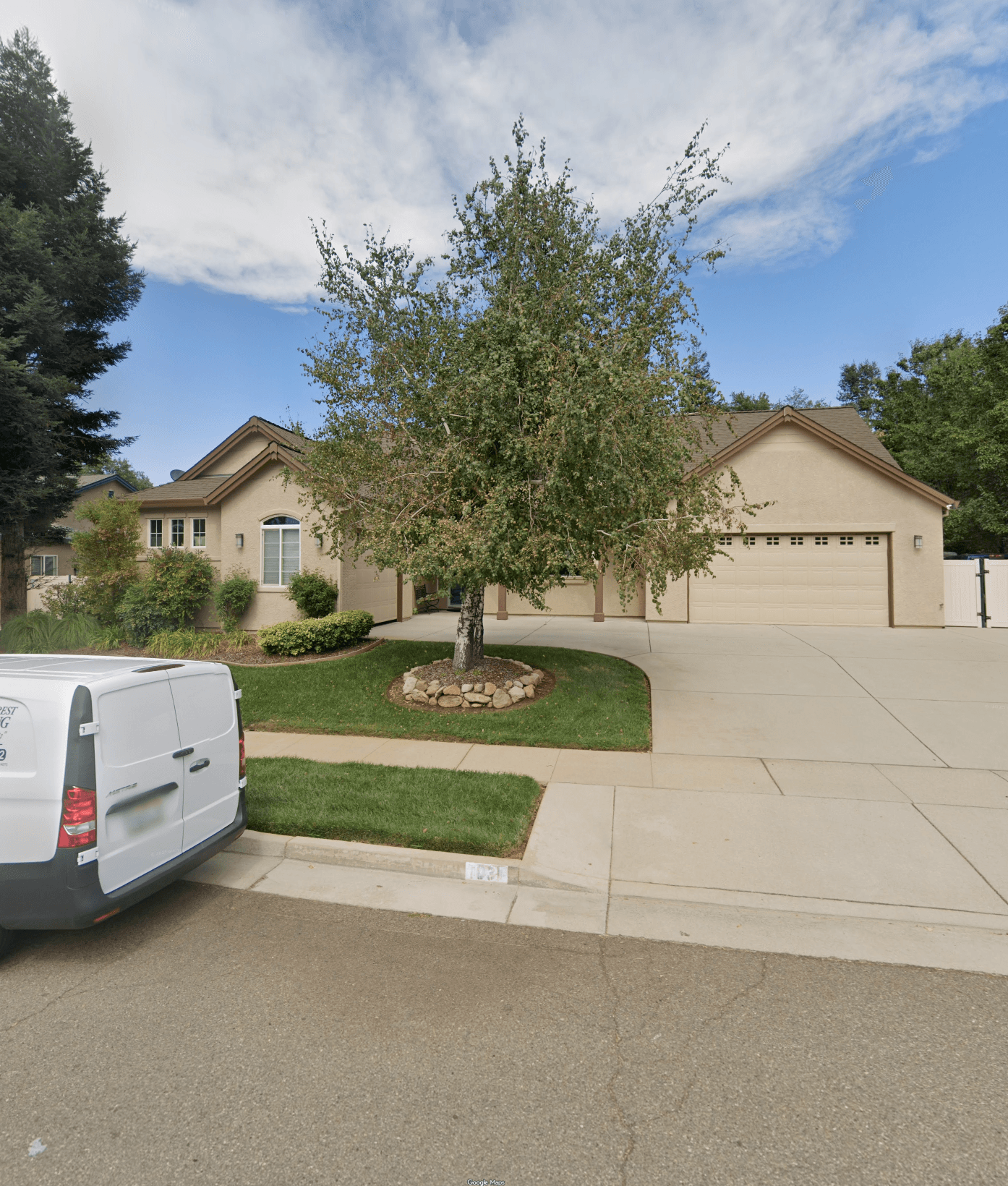
1Step
Google Street View source image for a home

Source visual inputs

We gather property/job imagery and campaign inputs from your existing workflow.

2Step
Mailer example showing a hand-drawn mockup inside an envelope

Generate personalized creative

AI-assisted creative turns real-world inputs into hand-drawn-style, conversion-ready assets.
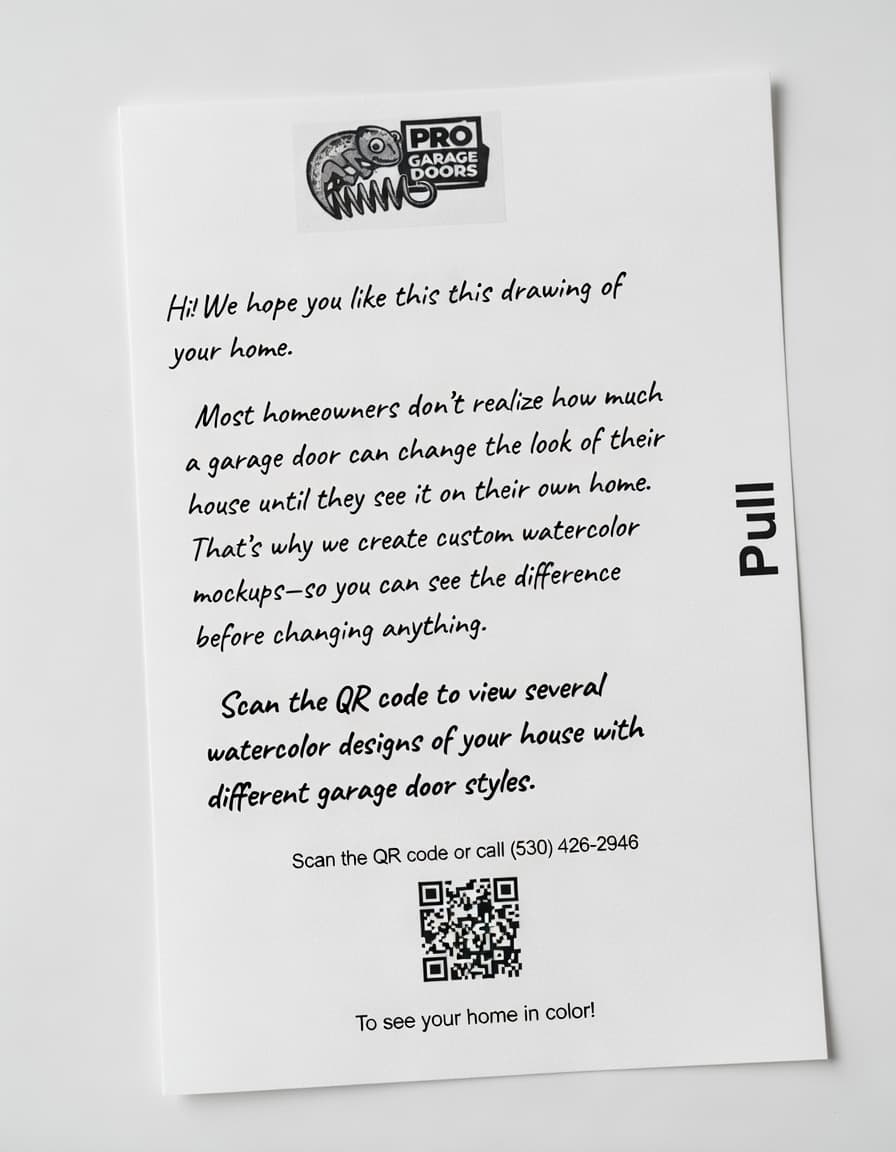
3Step
Letter example with a QR code for tracked response

Deliver physical format + QR destination

Choose the format that fits the campaign goal, then route response through tracked QR paths.
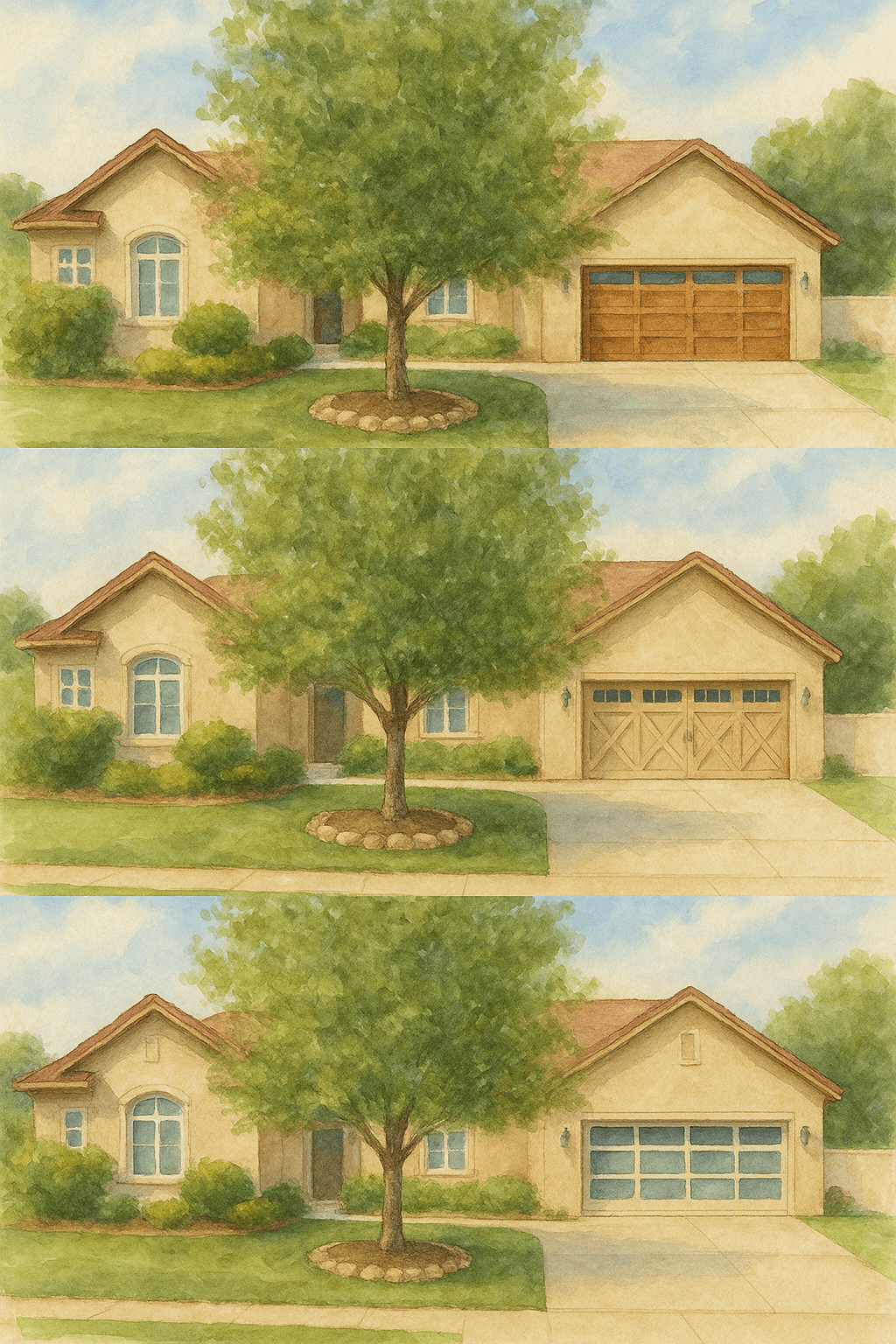
4Step
Watercolor mockups showing different garage door options

Track and optimize performance

Measure scans, leads, and appointments, then iterate based on what improves CVR and CPA.

Execution flow

  • 1Source visual inputs. We gather property/job imagery and campaign inputs from your existing workflow.
  • 2Generate personalized creative. AI-assisted creative turns real-world inputs into hand-drawn-style, conversion-ready assets.
  • 3Deliver physical format + QR destination. Choose the format that fits the campaign goal, then route response through tracked QR paths.
  • 4Track and optimize performance. Measure scans, leads, and appointments, then iterate based on what improves CVR and CPA.

Analytics example

What clients see in the dashboard

Live campaign tracking from sent mailers to scans, leads, and conversion diagnostics.
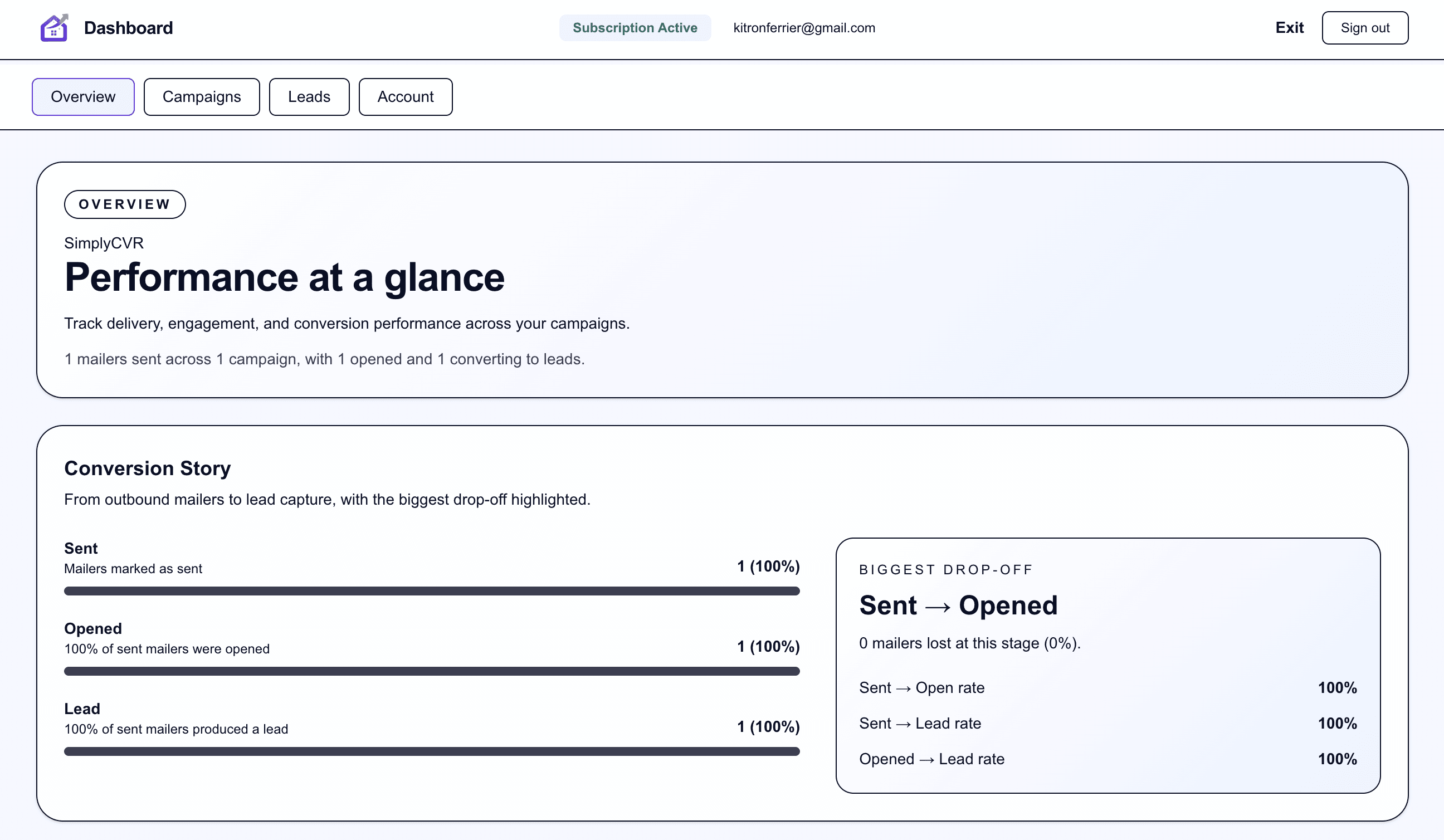
SimplyCVR logged-in analytics dashboard overview

Sent -> Open

Open -> Lead

Campaign trend

Want to map your format mix and conversion flow?

We'll walk through the right starting offer and how to measure lift.